


The best AI tools for social media content in 2026 are Canva Magic Studio for graphics and carousels, OpusClip for turning long videos into Reels, Jasper AI for on-brand captions, and Buffer for AI scheduling. Most teams only need two or three of them to save 10+ hours a week without losing their voice.
If you run social media right now, you know the feeling. One idea has to become five different posts. A thoughtful post for LinkedIn, a designed carousel for Instagram, a fast hook for TikTok, and a thread for X. And you have to do it again tomorrow. Manually, it just doesn’t hold up.
AI has quietly become the infrastructure behind good social teams. Not as a replacement for taste or strategy, but as the thing that removes the grind. The problem is the market is loud. Everyone is publishing a list of 20 tools they have never used.
Why Your Social Media Workflow Needs AI in 2026
You need it because the job changed. Social platforms now reward volume, speed, and native video. You are expected to post daily, but audiences are quick to punish anything that feels generic. The old way of batching ideas on Monday, designing on Tuesday, and scheduling on Wednesday can’t keep pace anymore. AI closes that gap. It handles the first draft, the variations, the repurposing, so you get to spend your energy on the parts that actually move the needle: point of view and community.
How We Tested and Ranked These Tools
We wanted to avoid another affiliate roundup. For 30 days, we ran the exact same brief through every tool worth considering: launch a new product for a DTC skincare brand. Same product description, same three customer reviews, same voice guide asking for friendly, direct, and a little witty. We didn’t just look at what looked good. We scored for output quality, how well it held our brand voice, how fast we could get to a first draft, and whether we would actually publish the result after a light edit.
Anything that produced polished but soulless copy got cut, no matter how popular it was. What survived are the ten tools below.
The Best AI Tools for Social Media Content At a Glance
If you want the short version, here it is. For writing that actually sounds like you, Jasper AI and ChatGPT are still the most dependable. For visuals, carousels, and anything that needs to look designed without a designer, Canva Magic Studio is hard to beat, and Adobe Firefly is the safest choice for commercial work. For video, which is now the bulk of the work, OpusClip turns one long recording into ten usable Reels, while Runway and Predis.ai can generate video from a single line of text. If you want one place to go from idea to scheduled post, Ocoya and Buffer’s AI assistant are the most complete.
Best AI Tools for Social Media Content by Use Case

1. Best for Captions, Hooks and Hashtags – Jasper AI, Copy.ai and ChatGPT
Most people already have ChatGPT, and it’s still the best place to start for flexibility. Its real power is iteration. You can give it a rough thought and ask for ten different hooks for Instagram, keep one, and tell it to rewrite that one in five different tones. Where people get into trouble is publishing the first draft. That first draft is always average.
Jasper AI is what we reach for when voice matters. The difference is its Brand Voice feature. You feed it your best posts, your About page, even your email newsletter, and it learns your sentence length, your vocabulary, your rhythm. For social, that matters more than raw cleverness. It also has built-in templates tuned to platform limits, so you don’t get a LinkedIn essay when you asked for an Instagram caption.
Copy.ai is the fastest when you need volume. If you need 30 variations of a product caption for testing, it will get you there quicker than the others.
A small change that fixes most bad AI writing: stop prompting with “write an Instagram caption.” Try this instead: “Here are three of our best posts that performed well [paste them]. Now write a new caption for this product [describe it] in the same voice, open with a curiosity-driven hook, and end with a clear CTA.” That one shift moves you from generic to usable.
And check your hashtags. AI will happily invent banned or spammy tags that throttle reach. Tools like Flick will audit them for you, or just search the tag manually on Instagram before you post.
2. Best for Images, Carousels and Graphics – Canva Magic Studio and Adobe Firefly
This is where most teams feel the time savings immediately. Canva Magic Studio isn’t just a generator bolted onto a design tool. It is design and generation in one flow. Magic Design can turn a prompt into a full carousel. Magic Media generates the image inside your layout, so you aren’t jumping between Midjourney and Canva. Magic Write can write the headline on slide three while you are still fixing slide one. You can go from idea to finished carousel in fifteen minutes without opening Photoshop.
Adobe Firefly is our pick when licensing matters. If you work with clients or sell products, you need to know your images are commercially safe. Firefly is trained on Adobe Stock, so it comes with indemnification. A lot of other generators are trained on scraped work, which is a gray area brands should avoid. It plugs into Adobe Express, so you get a similar speed to Canva with much cleaner legal footing.
If your AI images look waxy and too perfect, add a little imperfection to the prompt. Things like “candid photo, natural window light, shot on iPhone” or “imperfect skin texture, subtle grain” remove that plastic AI look audiences are now quick to scroll past.
3. Best for Short-Form Video and Reels – OpusClip, Runway and Predis.ai
Video is no longer a nice-to-have. It is the job. OpusClip solves the hardest part, which is repurposing. You upload a 30-minute podcast, interview, or webinar and it finds the moments most likely to go viral, cuts them to vertical, adds captions, and even scores each clip for shareability. In our test, one 25-minute interview turned into eleven solid Shorts in under twenty minutes. Manually, that would have been an afternoon.
Runway is a different kind of tool. It creates video from text or from an image. You type “slow pan across a coffee cup with steam on a wooden table, morning light” and you get a four-second background clip you can actually use for a Reel. It’s not going to direct a complex story yet, but for B-roll, product shots, and backgrounds that stop the scroll, it’s incredibly useful.
Predis.ai is built specifically for social managers. You drop in a one-sentence idea or just a product URL and it builds the whole thing: script, voiceover, stock visuals, captions. It’s less open-ended than Runway, but if you need to publish video daily without an editor, it’s faster.
One rule we hold to with AI video: let AI do the middle, you do the hook. The first two seconds decide everything. Rewrite or re-record that opening line yourself. Even a slightly rough human hook outperforms a perfect AI one.
4. Best All-in-One Creation and Scheduling – Ocoya, Buffer AI Assistant and Sprout Social
These are for people who are tired of juggling tabs. Ocoya is the most complete for small businesses. It writes the copy, generates the image inside its own designer, suggests hashtags, and schedules across every major platform. Its real strength is turning one input, like a product link, into twenty variations. If you run an e-commerce store or manage several small accounts, that removes a lot of friction.
Buffer’s AI Assistant is lighter but smarter. It lives right inside your scheduling queue. You can type a messy idea and it will polish it for each platform, suggest best times based on your actual audience data, and pull from your top performers to create new posts. If you already live in Buffer, it’s an easy win.
Sprout Social is the enterprise choice. Its AI is less about creation and more about prediction. It looks at your history and tells you what format is likely to perform next, when your audience is actually active, and flags tone issues before you post through social listening. It’s more expensive, but for larger teams, the analytics often save more money than the writing tools.
5. Best for Repurposing and Content Ideation – Lately AI and Flick
If you already have content, you probably don’t need more content. You need to stretch what you have. Lately AI was built for that exact problem. Feed it a blog post, a podcast transcript, a long YouTube script, and it studies what your audience has engaged with before, then spins it into dozens of social posts written in your voice and scored for potential engagement. It has a knack for finding quotable lines you skimmed over.
Flick is part brainstorming partner, part scheduler. Its content lab takes a vague topic and turns it into a full plan with titles, captions, and hashtag sets. The hashtag tool is particularly useful because it doesn’t just generate tags, it tells you if they are competitive, niche, or potentially problematic.
Which Tool Should You Actually Choose for Your Business Type?
The right choice comes down to your role, not just features. If you’re a solopreneur or small business owner doing this yourself, keep it simple. Canva Magic Studio for all visuals and carousels, plus Buffer’s AI assistant for turning rough thoughts into scheduled posts. You can run a consistent presence for under $50 a month with just those two.
If you’re a creator or influencer where personality and video drive growth, prioritize OpusClip and Jasper AI. OpusClip gives you the volume of Reels you need to stay in the feed, and Jasper helps you keep captions and stories on-brand without spending hours writing.
If you’re an agency or marketing team managing multiple brands, you need scale and voice control. Pair Ocoya or Predis.ai for creation with Sprout Social or Buffer for scheduling, approvals, and analytics. You’ll manage five clients in the time it used to take to manage one.
How to Build an AI Workflow That Still Sounds Human
The best workflow we have found is human-led, AI-accelerated, human-finished. You start it. AI is bad at original strategy. You decide the message, the angle, and what you want the reader to do. Then let AI do the first draft, and ask for three to five versions, not one. Then you come back in. Pick the best lines, add a detail AI could never know, a real customer story, a moment from your shop, a mistake you made last week, and publish.
If you want AI to sound like you, don’t tell it to “be witty.” Show it. Paste five of your best posts and say “analyze the sentence length, vocabulary, and tone here and replicate it.” That gives the model something concrete to copy instead of a vague adjective.
The biggest mistake we still see is publishing the first draft untouched. People can tell now. There’s real AI fatigue in the feed. The posts that perform best right now are about 80% AI-assisted and 20% human-edited with a personal detail. That 20% is what earns saves and comments.
Are Free AI Tools Enough or Should You Pay?
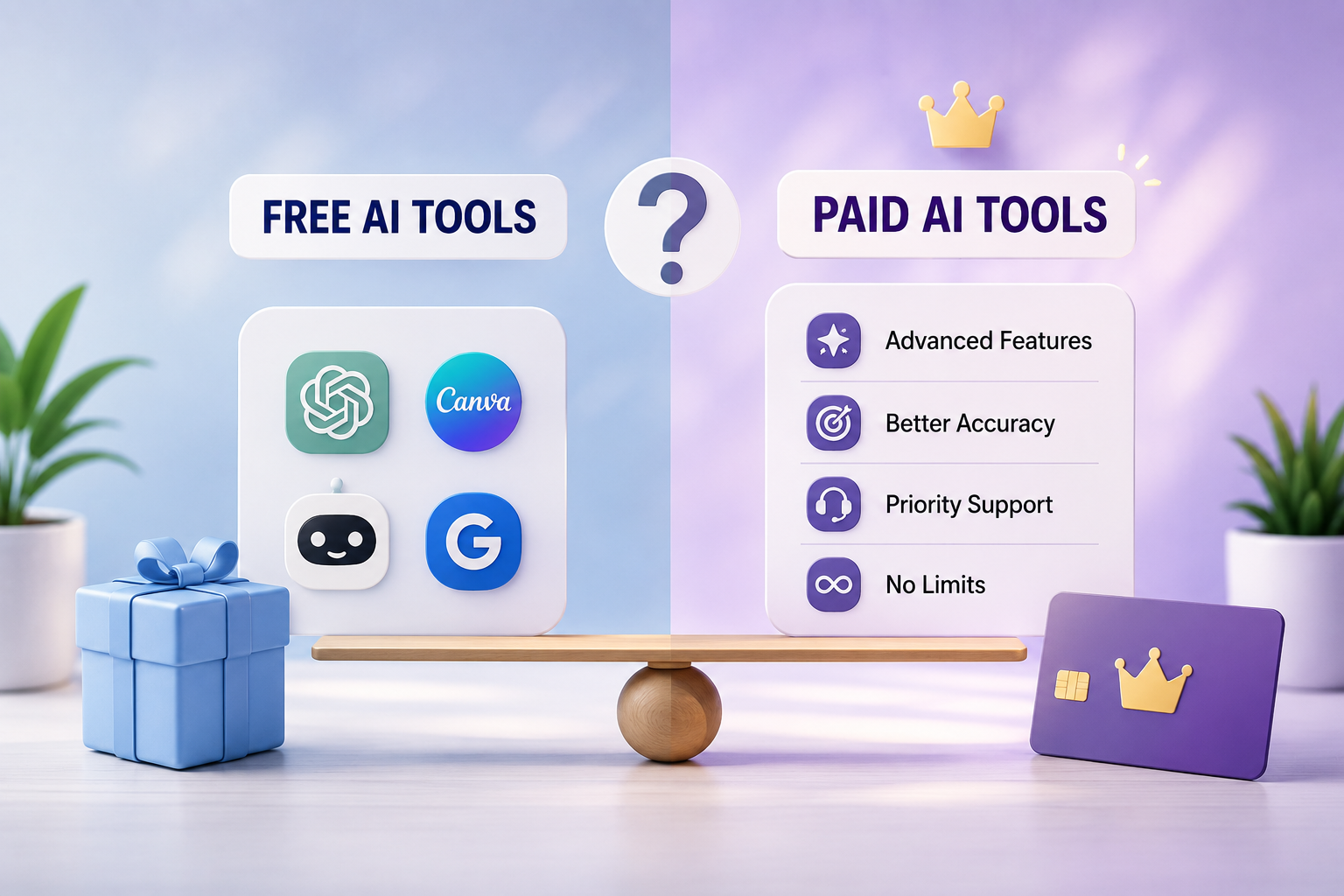
Free tools are enough to learn what you actually need. ChatGPT free, Canva free, and Buffer’s free plan will get you through your first month. You can make decent content and schedule to a few channels. The ceiling hits fast though. Free image tools add watermarks or limit commercial use, free video tools cap you at low-res exports, and free schedulers limit you to ten or so posts.
For most serious creators and small teams, $30 to $60 a month for a paid stack pays for itself if it saves three hours. The paid tiers unlock voice training, watermark removal, high-res video, and bulk creation. Start free, figure out where you lose the most time, then pay to fix that one bottleneck first, usually design or video.
Where AI Still Fails for Social Media Content
AI is powerful, but it still fails in three places you have to own. First, lived experience. It can’t tell a real customer story, share what happened in your store this morning, or react to a cultural moment with real nuance. If your entire feed becomes AI tips, you lose the connection that makes people follow you in the first place.
Second, legal and platform risk. Some image models are trained on copyrighted work, and using those images commercially can create problems down the line. Stick to tools like Adobe Firefly or Canva that offer commercial protection. And be transparent. Platforms are starting to label AI-generated content, and audiences prefer honesty over getting caught.
Third, community. AI cannot genuinely reply to comments, handle an upset customer with empathy, or jump on a trend with cultural context. Automating comments and DMs with AI is the fastest way to erode trust. Use AI to create. Use humans to connect.
Final Verdict: Our Top 3 AI Stack for 2026
If you want a no-regrets decision, here it is. For overall value, Canva Magic Studio plus Buffer’s AI assistant covers 90% of what most businesses need. Design, writing, scheduling, low learning curve. For creators who live and die by video growth, OpusClip plus Jasper AI is the most powerful pairing. It solves the two hardest problems: making enough video and writing captions that convert. For agencies and teams that need scale, Ocoya plus Sprout Social gives you creation, approvals, and real analytics in one system.
Don’t try to use all ten. Pick the category that hurts most, master one tool there for two weeks, then add the next. The goal isn’t to use more AI. It’s to spend less time making and more time connecting.
Frequently Asked Questions
What is the best AI tool for social media content creation?
There is no single best tool, it depends on format. For graphics and carousels, Canva Magic Studio is the most complete because it combines generation and editing. For writing that stays on-brand, Jasper AI has the best brand voice control. For video, OpusClip is the best for turning long-form into Reels. Most teams use one tool for visuals, one for video, and one for scheduling.
Can AI completely replace a social media manager?
No. AI can handle 70 to 80 percent of the production work, like first drafts, variations, and repurposing, but it cannot replace strategy, community management, or authentic storytelling. Brands that try to fully automate comments and DMs see engagement drop. The best approach is AI for creation, human for connection.
How do I keep my brand voice when using AI tools?
Don’t just tell the tool to be witty or professional. Feed it five to ten of your top-performing posts and ask it to analyze and replicate the sentence structure, vocabulary, and tone. Tools like Jasper AI and Lately AI have dedicated brand voice training that stores this, which is far more reliable than prompting from scratch each time.
What is the best free AI tool for Instagram Reels?
For free, start with CapCut’s AI features for auto-captions and OpusClip’s free tier for repurposing one long video into short clips. If you need to generate video from text for free, Canva’s Magic Media and Predis.ai free plans give you usable B-roll without a watermark.
Will using AI hurt my social media reach?
Not if you edit it. Platforms punish generic, low-value content, not AI use itself. Instagram and TikTok are now testing AI-generated labels, so transparency helps. The posts that get hurt are unedited AI dumps. Posts that are 80 percent AI-assisted and 20 percent human-edited with a personal insight or customer story perform just as well as fully human posts in our tests.
Read more: Digital Minimalism for BeginnersHow to Reclaim Your Focus Without Quitting Tech
